Conversation Branching: The AI Feature Most Executives Don't Know About
I was three hours deep into a complex legal issue for a client when I realized I'd taken a wrong turn. The analysis had veered into irrelevant case law, and my carefully constructed argument was built on shaky ground. In the pre-AI world, I would have started over, retyping context, re-explaining the situation, watching precious billable hours evaporate.
Instead, I discovered something that changed how I work with AI: conversation branching.
What Most People Don't Know
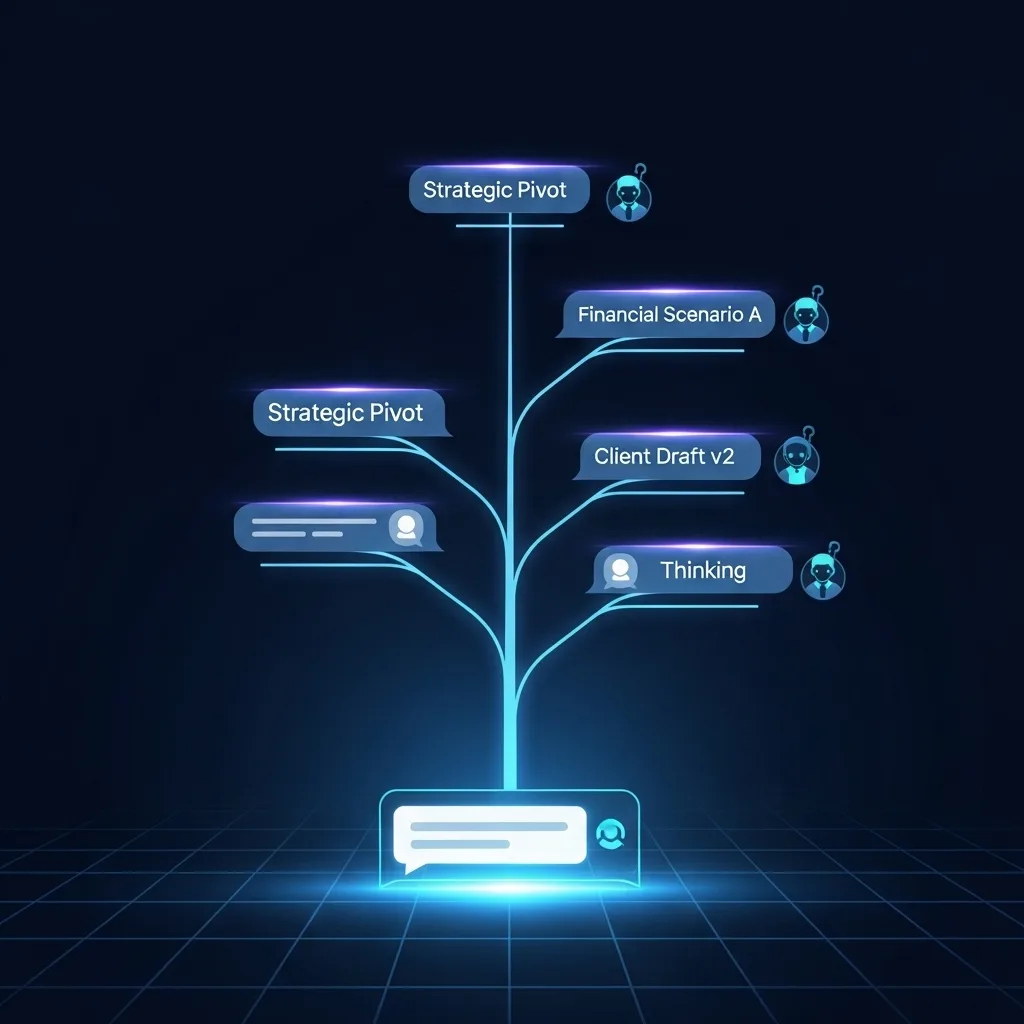
Both ChatGPT and Claude offer a regeneration option for the AI's last response, but it goes deeper than just getting a different answer. When you edit a previous message or regenerate a response, these platforms create a branch in your conversation. Think of it as a save point in a video game—you can explore different paths without losing your original thread.
You can initiate this process from any previous message in the conversation. This branching capability allows you to explore alternative paths and revisit earlier parts of the chat without losing the original thread.
How It Actually Works
In ChatGPT, hover over any of your messages, and you'll see an edit icon. Click it, modify your prompt, and the conversation splits. You can toggle between branches using arrows that appear next to regenerated responses. Claude works similarly—you can regenerate its responses or edit your own messages to create new conversation paths.
What about Gemini? Based on current capabilities, Google's gemini.google.com offering doesn't yet provide the same robust branching functionality, though this may change as the platform evolves. You can do branching, though, if you access Gemini through AI Studio (studio.google.com)
Why This Matters for Your Business
The real power isn't just in fixing mistakes. I've used branching to:
Test different strategic approaches to the same problem without losing context
Explore "what if" scenarios in financial modeling
Refine presentations by trying multiple angles on the same data
Develop alternative solutions for clients without starting from scratch
By reusing your existing setup, you create a more efficient workflow, maintain consistency across related tasks, and make the most of the effort invested in establishing the initial context.
Most executives I work with are unaware that this feature exists. They're either starting new conversations repeatedly or accepting suboptimal responses. Once you understand branching, you'll wonder how you ever worked without it. It transforms these AI tools from simple Q&A machines into genuine thinking partners that can explore multiple possibilities alongside you.
If you enjoyed this article, please subscribe to my newsletter and share it with others! Looking for help to use AI effectively in your organization? Wondering where to start or what tools to use? Reply directly or reach out: steve@revopz.net.